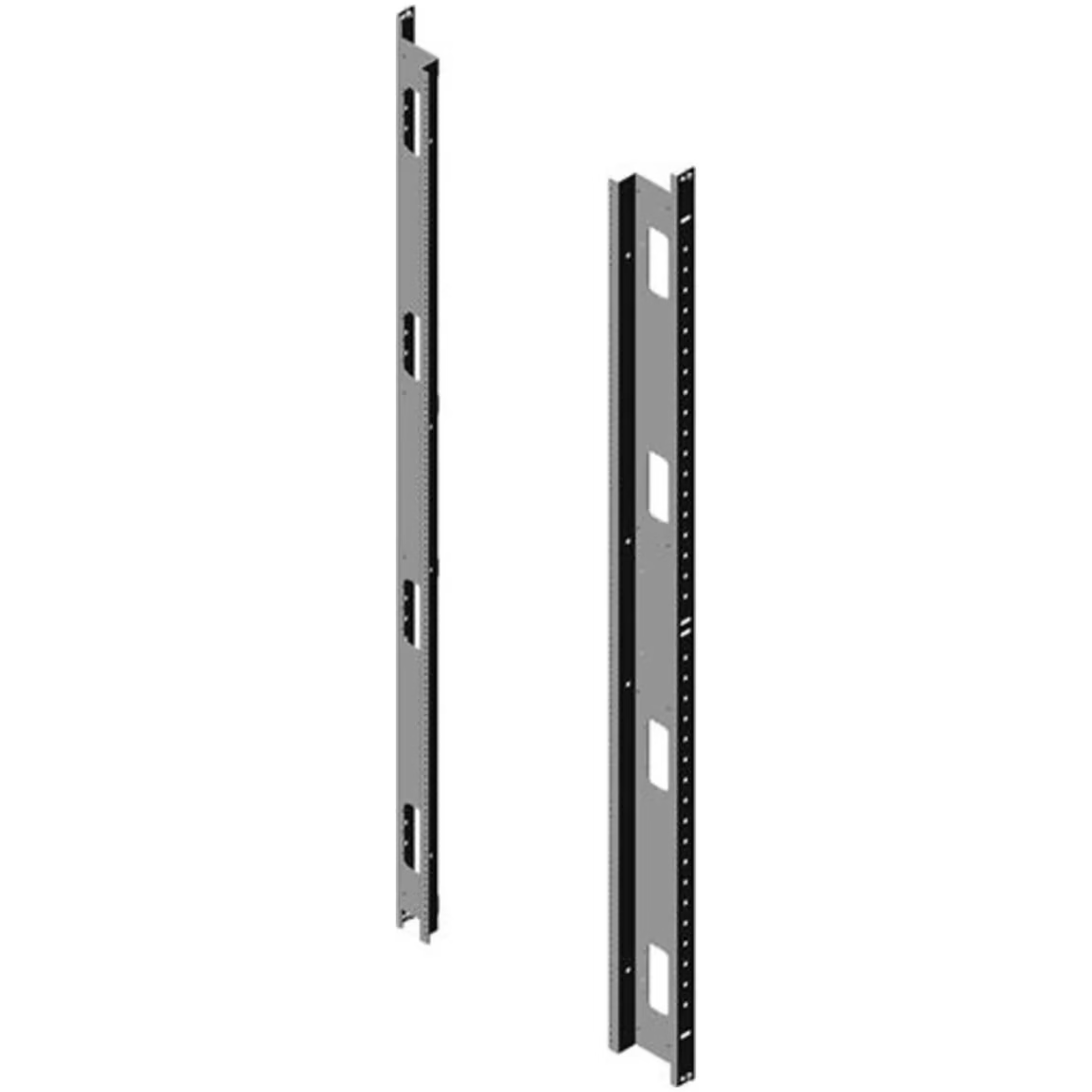
Chatsworth Tapped Equipment Rails for RMR Modular Enclosures
These Chatsworth tapped equipment rails are engineered specifically for use with RMR modular enclosures, providing a secure mounting framework for 19-inch rack equipment. The #12-24 tapped holes allow for tool-free equipment mounting using standard rack screws, streamlining data center and IT room installations.
Key Features
- Tapped #12-24 holes for standard rack equipment mounting
- 42U height accommodates a full rack of equipment
- Compatible with RMR Modular Enclosure system
- Black finish for a professional appearance
- Precisely dimensioned for proper equipment alignment
Specifications
- Manufacturer: Chatsworth
- Model: 37774-C03
- Color: Black
- Thread: #12-24 Tapped
- Rack Units: 42U
- Height: 78.7 in. (2000 mm)
- Width: 23.6 in. (600 mm)
- Compatible With: RMR Modular Enclosure
Applications
Used in data centers, server rooms, telecommunications facilities, and network closets for mounting servers, switches, patch panels, power distribution units, and other rack-mountable equipment within Chatsworth RMR modular enclosure systems.



 Chatsworth Tapped #12-24 Equip...