Call 719-240-4930
Categories Menu

No products in the cart.

Nationwide Delivery

Expedited service available

Secure Payment

Pay by card or bank transfer

24/7 Customer Support

Over and above service is what makes is different

Discounts Available

Ask us about quantity discounts

Need Help?

  • Milwaukee Tool 48-03-3010
  • Milwaukee Tool 48-03-3010
  • Milwaukee Tool 48-03-3010

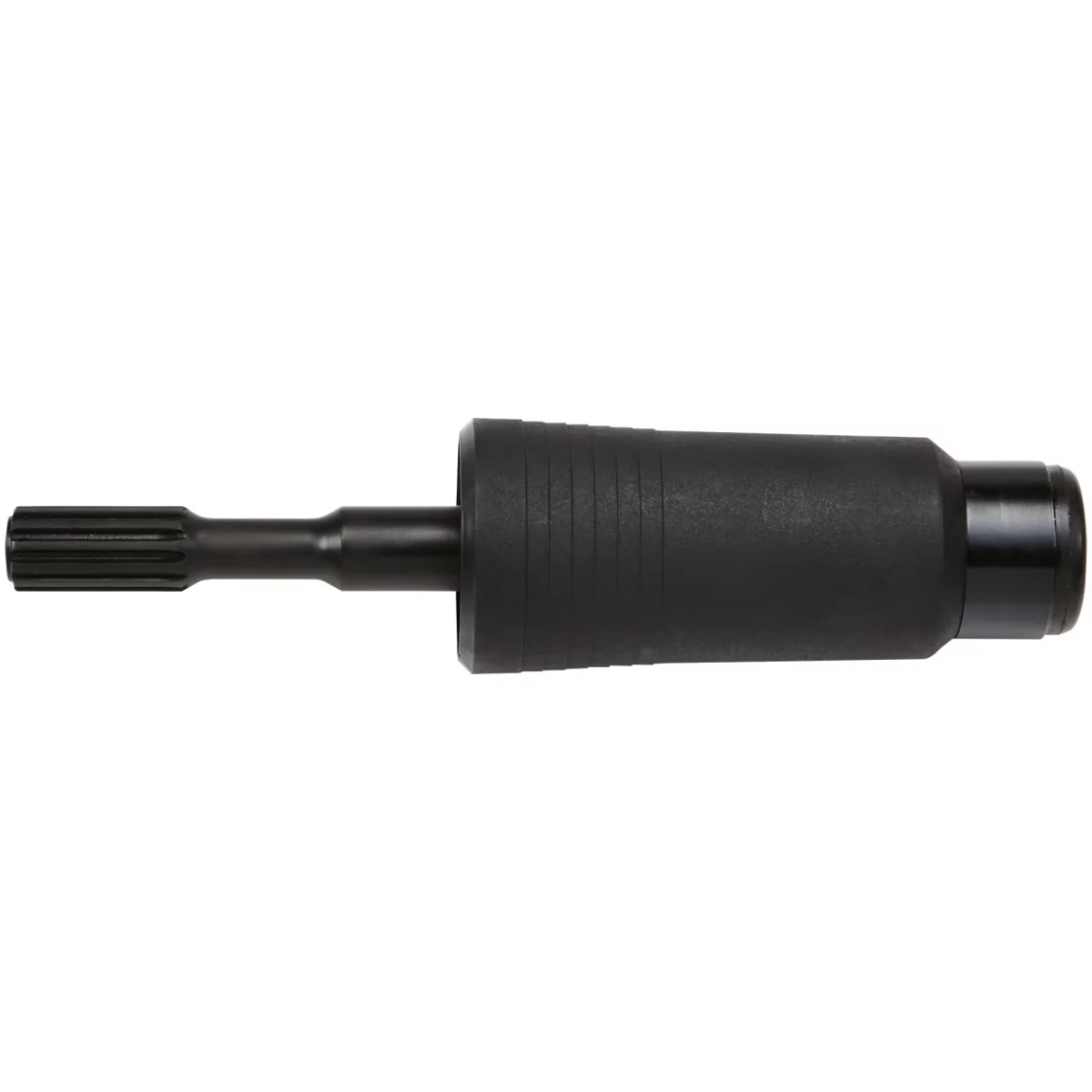
Milwaukee Tool Spline to SDS-Max Adapter

Brand:

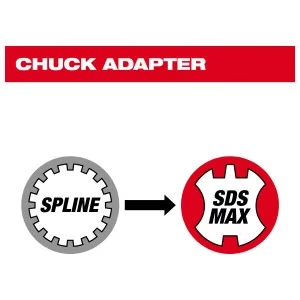
The Milwaukee Tool Spline to SDS-Max Adapter (Model 48-03-3010) is a steel adapter that converts Spline shank bits for use with SDS-Max rotary hammers, available with 2-cutter or 4-cutter head geometry bits.

SKU: 48-03-3010 Categories:
Milwaukee Tool 48-03-3010 Milwaukee Tool Spline to SDS-M...

Nationwide Delivery

Expedited shipping available

Secure Payment

Pay by card or bank transfer

100% Money Back

24/7 Customer Support

Discounts Available

Ask us about quantity discounts

Need Help?

(+123) 456 555 789
(+123) 666 202 888

Milwaukee Tool Spline to SDS-Max Adapter — Model 48-03-3010

The Milwaukee Tool Spline to SDS-Max Adapter allows professionals to use their existing Spline shank bits with SDS-Max rotary hammers, maximizing the versatility of both tool and bit inventories. Milwaukee Spline bits are available in either 2-cutter or 4-cutter head geometries, allowing users to select the configuration best suited for their specific drilling application.

Key Features

  • Converts Spline shank bits for use with SDS-Max rotary hammers
  • Compatible with Milwaukee Spline bits in both 2-cutter and 4-cutter configurations
  • Steel construction for durability under heavy rotary hammer use
  • Black finish

Applications

Designed for electricians and contractors who need to use Spline shank core bits or drill bits with their SDS-Max rotary hammer, eliminating the need for redundant tool and bit inventories on the job.

Specifications

  • Brand: Milwaukee Tool
  • Model: 48-03-3010
  • UPC: 04524231611
  • Adapter Type: Spline to SDS-Max
  • Material: Steel
  • Color: Black

You may add any content here from XStore Control Panel->Sales booster->Request a quote->Ask a question notification

At sem a enim eu vulputate nullam convallis Iaculis vitae odio faucibus adipiscing urna.

Ask an expert